
Start CueFlow
A clean path from plan choice to first show.
Choose a plan, confirm the account email, pay securely, download CueFlow, and see the exact next steps for individual or team setup.
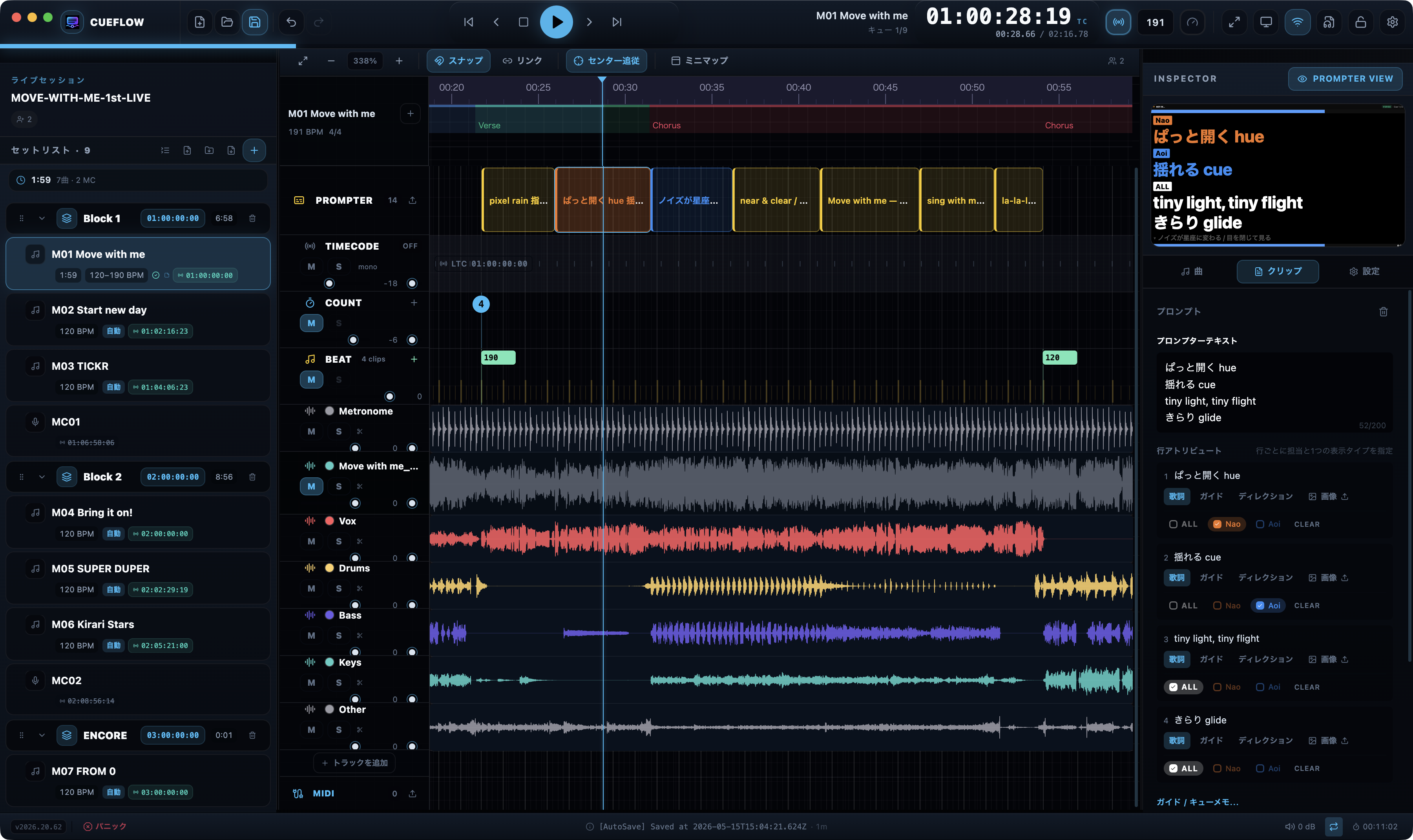
Team includes 4 seats. Owner / Admin / Editor use seats; Viewer / Commenter guests are free.
For individual operators. After payment, your activation key is emailed to you for CueFlow.
Pro quick start
- Account Confirm email and billing cycle
This is where the license key and receipt will be sent.
- Payment Pay with Stripe
After checkout, your activation key is sent by email.
- Activate Enter the key in CueFlow
Open Settings → License & Usage to unlock Pro features. If the key never arrives, reissue it on the License Recovery page.
- Start Keep working with existing projects
Check the included AI Import credits and continue your setup.
- Account Register organization and Owner
Confirm organization name, Owner email, billing cycle, and Editor seats here.
- Payment Pay with Stripe
CueFlow prepares the Team organization and Owner license after checkout.
- Launch Launch CueFlow
Follow the Owner email and open the Team organization from cloud settings.
- Invite Invite members
Add Editors / Admins and Viewer / Commenter guests from organization management; seats and billing stay there too.